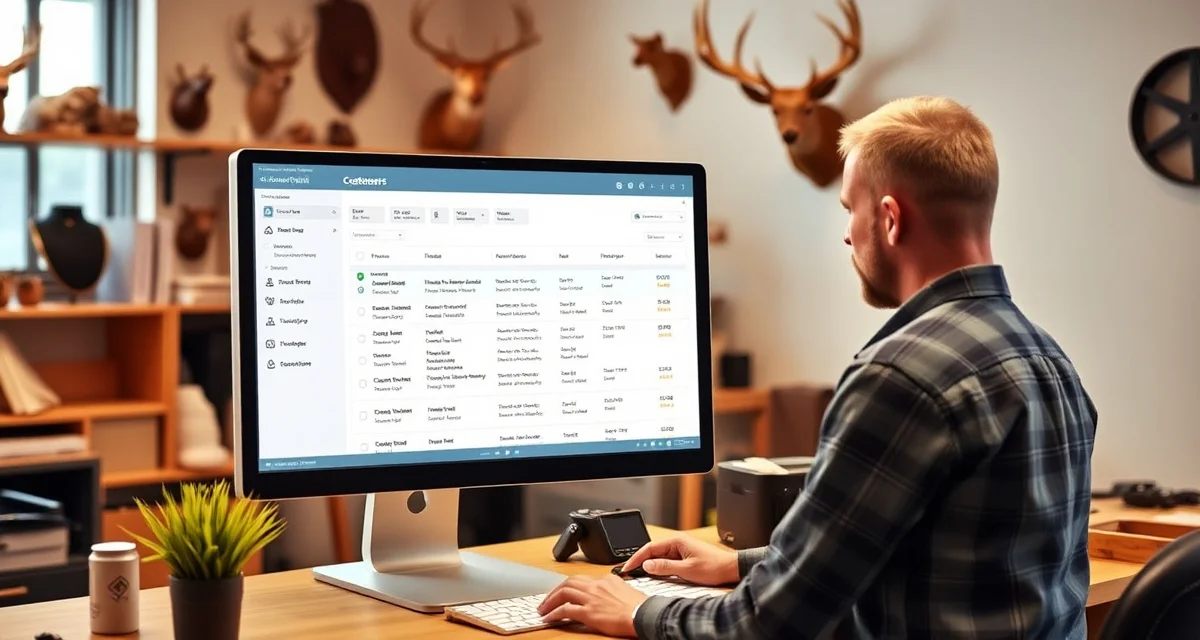
Taxidermy Customer Portal Without an App Download
Every taxidermy shop owner has heard some version of this call: "Hey, I dropped off my deer back in November -- any idea when it'll be done?" These calls happen because customers have no other way to check status. The shop is busy, the phone rings five times before anyone answers, and the customer has been waiting eight months without any update.
Customer portals solve this problem, but most shop owners immediately think "app" and then immediately think "my customers won't download an app." That's a fair concern. Hunters checking on a single mount every few months are not the target audience for an app install, especially from a small business they may only work with once a year.
The right solution is a browser-based portal that customers access with a simple link -- no download, no account creation process, no password they'll forget by the time their next hunting season starts.
How a Browser-Based Portal Works for Taxidermy
When a customer drops off a specimen, MountChief generates a unique tracking link for their order. The shop can text or email this link at intake. The customer bookmarks it, saves it to their phone's home screen if they want, or just searches their texts when they want to check status.
Clicking the link opens a mobile-friendly page showing:
- Current production stage (intake, prep, drying, mounting, finishing, quality check, ready for pickup)
- Estimated completion date
- Photos if the shop chooses to share progress images
- Contact button to reach the shop directly if they have a question
The customer doesn't log in, doesn't create an account, and doesn't need to remember a password. The link itself is the authentication. The shop can invalidate the link after pickup is complete.
What Customers Actually Want to See
Taxidermy customers are patient -- most understand that quality work takes months. What they can't tolerate is uncertainty. They don't know if their mount is even being worked on, or if it got lost in the shuffle.
A status update that says "In drying phase -- estimated 6 more weeks" costs the shop nothing to send and eliminates the follow-up call. Customers who know their mount is progressing on schedule don't call. Customers who know their mount is ready for pickup come in promptly, which improves shop cash flow and frees up finished mount storage space.
The most useful status stages to track in customer order management are ones that correspond to actual production milestones, not vague categories. "Mounting phase" is more informative than "in progress." "Final finish coat applied -- drying" is better still.
Reducing Inbound Calls with Proactive Updates
Browser portals work best when the shop pushes status updates rather than waiting for customers to pull them. MountChief can be set to send an automatic text or email when an order advances to a new stage.
This works particularly well for the "ready for pickup" notification. Instead of customers periodically checking whether their mount is done, they receive a text the moment it clears quality inspection. Shops that use automated pickup notifications consistently report that customers come in faster, which clears finished mount storage and improves cash flow by completing the transaction sooner.
The customer communication templates for taxidermy shops cover the most useful notification points: intake confirmation, progress update at the midpoint, final finishing notification, and pickup reminder.
Portal vs. Automated Texts: Using Both
A portal and automated notifications are not competing approaches -- they work together. The notification tells the customer something changed. The portal gives them a place to see the full picture whenever they want it without calling the shop.
Customers who prefer to check status periodically on their own will use the portal link without needing prompts. Customers who prefer to be notified will rely on the texts. Both types get what they need without calling the shop.
This reduces inbound "status check" calls dramatically. Most shops find that once they implement a portal with automated notifications, the call volume about order status drops by 60 to 70 percent. The calls that remain are genuine questions that require a person.
Setting Up Customer Expectations at Intake
The portal only works if customers know it exists. The customer onboarding process should include a brief explanation of the tracking link: "I'll text you a link when you leave today. You can check your mount's status any time without having to call us."
This sets the expectation at drop-off, reminds the customer that communication will happen, and increases the likelihood they'll use the portal instead of calling. Print the portal URL on intake receipts for customers who prefer paper documentation.
A well-run taxidermy shop's customer experience doesn't require a phone call to find out what's happening. The portal provides that transparency without requiring customers to learn a new app or remember another password.
Try These Free Tools
Put these insights into practice with our free calculators and planners:
FAQ
Related Articles
Sources and Further Reading
• Small Business Administration - Research on customer friction and digital adoption barriers for service businesses
• National Taxidermists Association - Industry standards and best practices for client communication and service delivery
• Pew Research Center - Studies on mobile app usage patterns and consumer preferences for web-based services
• University of Minnesota Extension - Digital marketing research for outdoor recreation and hunting service providers