How to Build a Customer Portal for Your Taxidermy Shop
The number-one time waster in a taxidermy shop isn't paperwork, it isn't tannery coordination, it isn't even intake during deer season rush. It's status calls.
"Hey, just checking in on my buck." "Any update on my turkey mount?" "My wife wants to know how much longer." Eight to twelve of those a day, during your most productive work hours, each one pulling you off the bench for five minutes.
The solution is a customer portal, a page where customers can look up their own mount status anytime, day or night, without calling you. But when most taxidermists hear "build a customer portal," they imagine hiring a web developer and spending $5,000 they don't have.
You don't need to build anything. Here's how it actually works.
TL;DR
- Where's My Mount is a $30/month service that provides only the customer portal piece with no shop management backend.
- You can check the status of your mount there anytime, 24/7.
- It's that they've got a $600 mount sitting somewhere they can't see, with no reliable update mechanism, and their only option is to call.
- At 10 calls per day averaging 5 minutes each, that's nearly an hour of production time recovered daily.
- This works for very low-volume shops doing fewer than 50 mounts per year.
- Shops that implement a customer portal consistently report an 85-90% reduction in inbound status calls.
What a Taxidermy Customer Portal Actually Does
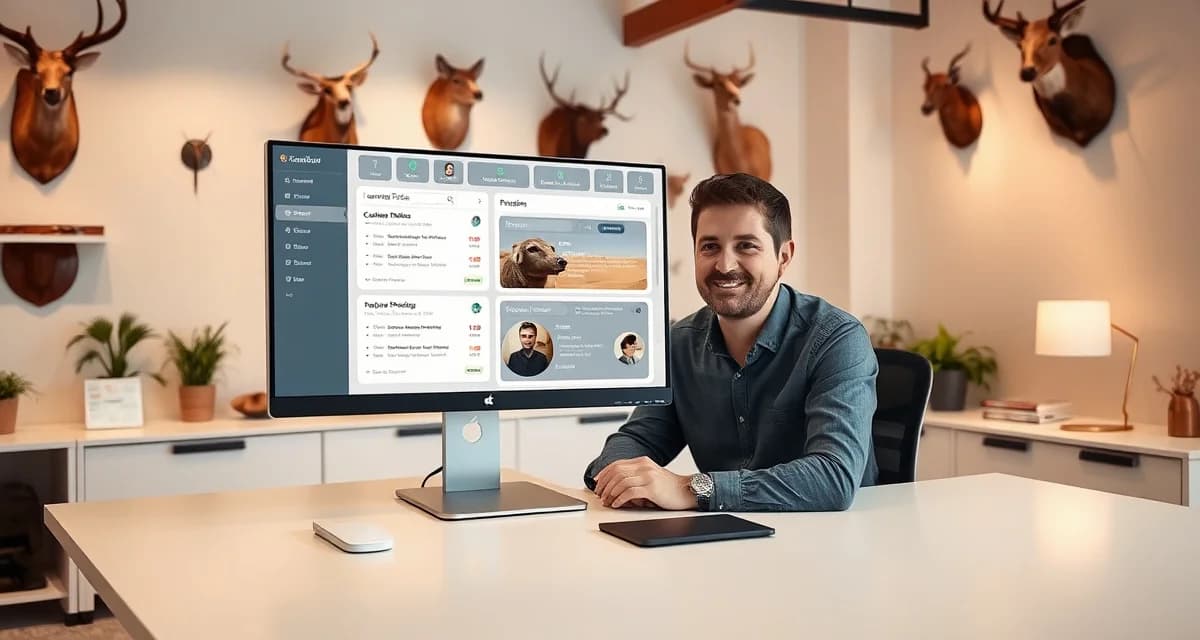
A customer portal is a simple webpage, or often just a link, where a customer enters their information and sees the current status of their mount. Think of how Amazon shows you where your package is. Same concept, applied to the six-month journey from fresh cape to finished shoulder mount.
At minimum, a useful portal shows:
- Current stage in the process (Intake, Prep, Sent to Tannery, Tannery Received, Tannery Returned, Finishing, Ready for Pickup)
- Any photos you've taken during production
- Estimated completion date
- Your contact information if they need to reach you
That's it. No pricing calculators, no booking forms required. Just: "Here's where your mount is right now."
When customers can check status themselves, they stop calling. It's that simple.
Option 1: Use MountChief's Built-In Portal (Fastest Path)
MountChief has a customer-facing portal built into the platform. You don't set it up, it exists the moment you create a job. Here's the workflow:
- Create the job at intake, photograph the specimen, assign a QR tag
- MountChief generates a unique tracking link for that job
- You send the link to the customer via SMS or email (MountChief does this automatically if you choose)
- The customer bookmarks the link and checks it whenever they want
- Every time you update a job stage, the customer portal reflects it immediately
The customer sees a clean status page, your shop name and logo, the mount species and description, current stage, any progress photos you've shared, and estimated completion. They can't see your cost structure, your other customers, or anything internal. Just their mount.
Setup time: zero. It works on day one.
Option 2: Set Up a Standalone Portal with Where's My Mount
Where's My Mount is a $30/month service that provides only the customer portal piece with no shop management backend. If you're already using a different system for job tracking and just need the customer-facing side, it can work.
The limitation: you have to manually sync job status between your existing system and the portal. That's double entry, which means the portal only gets updated when you remember to update it. If you're busy, it goes stale. Customers stop trusting it. They start calling again.
This works for very low-volume shops doing fewer than 50 mounts per year. Above that, the double-entry problem becomes real.
Option 3: Custom Development
A web developer can build you a custom customer portal with your exact branding and workflow. You're looking at $3,000-8,000 upfront and ongoing maintenance costs. The resulting system will need to connect to whatever tracking system you're using for the data to stay current.
This made sense years ago when purpose-built taxidermy software didn't exist. Today, the only reason to go custom is if you have extremely specific requirements that off-the-shelf software can't meet.
Step-by-Step: Getting Your Portal Running with MountChief
Here's how to go from zero to a functioning customer portal in a single afternoon:
Step 1: Sign up for MountChief. The free trial gives you full access including the customer portal.
Step 2: Set up your job stages. Go into settings and configure the stages that match your actual workflow. Typical stages: Received, Skin Prep, Tannery Sent, Tannery Returned, Form/Eyes, Finishing, Ready for Pickup. You can add stages or rename them to match how you describe work to customers.
Step 3: Upload your shop logo. The customer portal displays your branding, not MountChief's. To the customer, it looks like your shop's system.
Step 4: Configure your notifications. Decide whether you want customers to receive an SMS and/or email when their mount changes stage. You can turn these on or off per job or globally.
Step 5: Take your first job through intake. Use the AI photo intake to create a job record. The system generates the tracking link automatically.
Step 6: Test the customer view. Click the tracking link yourself. You'll see exactly what your customer sees. Confirm it looks right.
Step 7: Send the link to a real customer. You can text it manually or let MountChief send it via the automated confirmation message.
That's the full setup. Total time for someone who isn't a tech person: two to three hours to get comfortable with the system. The portal itself is ready in minutes.
What to Tell Your Customers About the Portal
When a hunter drops off a cape, hand them a card or show them the text on your phone:
"I just texted you a link. Bookmark it. You can check the status of your mount there anytime, 24/7. It updates automatically every time I make progress. If you don't get the text, here's the link on this card."
That's the whole pitch. Most customers will be impressed immediately because they've been burned by the "just call me in a few months" approach from other shops. A real-time tracking link feels like a premium service even though it takes you nothing extra to provide once the system is set up.
Why Customers Trust It (And Stop Calling)
The main reason status calls happen isn't that customers are difficult. It's that they've got a $600 mount sitting somewhere they can't see, with no reliable update mechanism, and their only option is to call.
Give them a tracking link and the behavior changes. They check the link instead of calling. When something changes, they see it before they'd even think to call. The customers who still call after you give them a portal are a small minority, usually hunters who aren't comfortable with smartphones, and you handle those individually.
Shops that implement a customer portal consistently report an 85-90% reduction in inbound status calls. At 10 calls per day averaging 5 minutes each, that's nearly an hour of production time recovered daily.
Related Articles
- Taxidermy Shop Recurring Customer Programs: Build Predictable Revenue
- How to Build Repeat Customer Revenue at Your Taxidermy Shop
- Taxidermy Customer Portal Without an App Download
- Can Customers Track Their Taxidermy Without Downloading an App?
FAQ
How do customers access the portal if they lose the link?
MountChief lets you resend the tracking link to any customer via SMS or email from within the job record. You can also display the link on invoices or pickup receipts. For customers who prefer it, you can print a QR code that links directly to their job status page.
Can I control what information customers see?
Yes. You control which job stages are visible to customers, whether progress photos are shared, and what your estimated completion message says. Customers see the status you've set for their specific mount, they don't see pricing, internal notes, or any information about other customers.
What if I don't want to use automated texts, can the portal still work?
Absolutely. You can use MountChief's portal without enabling any automated notifications. Customers just use the link you give them manually. The portal still updates in real time every time you change a job stage. The automated texts and emails are optional, they're just a way to prompt customers to check the portal without you having to do anything.
How does this apply to solo taxidermy shops?
The principles in this guide apply to solo shops just as they do to larger operations, though the scale differs. A single-person shop may have lower absolute volume but faces the same documentation, compliance, and customer communication requirements. The practical advice here scales down to any shop size.
What is the most common mistake taxidermists make with how to build taxidermy customer portal?
The most common mistake is treating how to build taxidermy customer portal as an afterthought rather than building it into the standard workflow from the start. Shops that encounter problems in this area typically did not establish clear processes before season, which means every situation becomes a one-off decision rather than a standard response.
Try These Free Tools
Put these insights into practice with our free calculators and planners:
Sources
- National Taxidermists Association (NTA)
- US Fish & Wildlife Service
- Small Business Administration (SBA)
Get Started with MountChief
Customer communication is one of the highest-leverage investments a taxidermist can make in their shop's reputation. MountChief's customer portal activates automatically at every intake and keeps hunters informed throughout the 8-14 month process without adding work to your day. Try MountChief to give your customers the transparency they want.