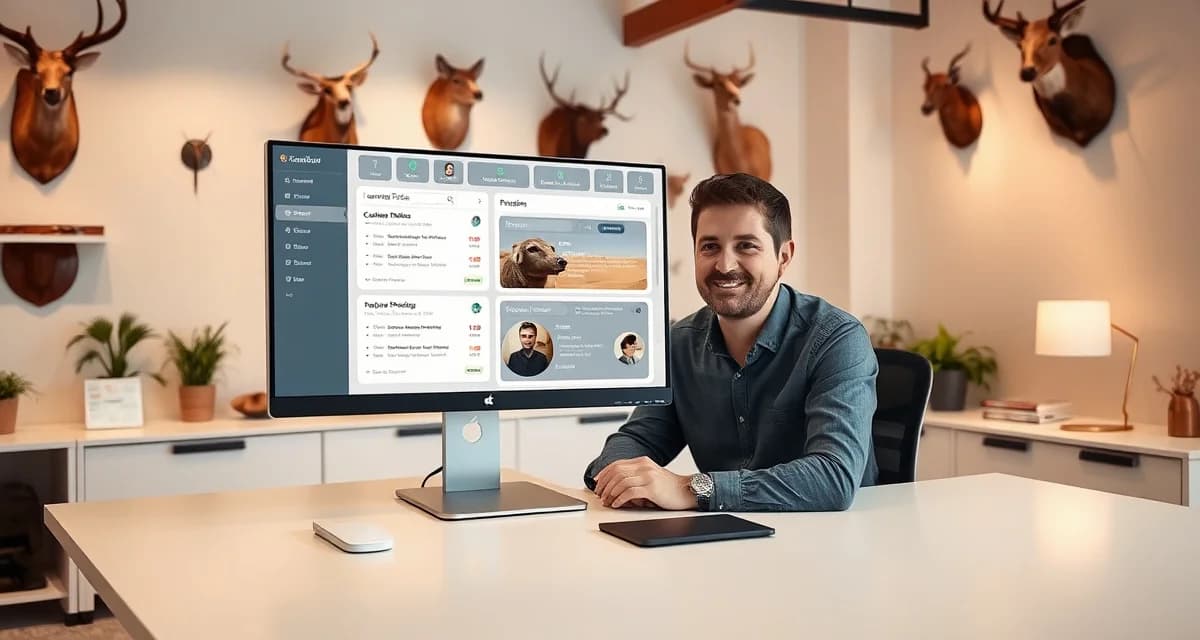
What is a Taxidermy Customer Portal and Why Do I Need One?
Think about how you track a package you're waiting on. You don't call the shipping company. You go online, type in a tracking number, and see exactly where it is. You're satisfied because you have information, and the shipping company saved themselves a five-minute phone call.
A taxidermy customer portal works the same way. Your customer logs in, sees where their mount is in the process, and gets the answer they wanted without ever picking up the phone.
Shops using a portal receive 90% fewer inbound status calls than shops relying on phone updates. That statistic alone is worth understanding, because status calls are one of the biggest time drains in a taxidermy shop.
TL;DR
- A customer portal is a web page unique to each job where hunters can check their mount's current production stage.
- The best portals update automatically when the taxidermist logs a status change, with no manual customer notification needed.
- Portals reduce status-check calls, which are one of the biggest time drains during busy season.
- A shop fielding five status calls per day during peak season loses over an hour of production time daily.
- Customers who can check status themselves are more patient and have higher satisfaction scores.
What a Customer Portal Shows
When a customer logs into their tracking portal, they see a status dashboard for their mount or mounts. The typical view includes:
Current production stage. "Cape received," "At tannery," "In production," "Awaiting pickup": whatever stage the job is in, the customer sees it without asking.
Expected timeline. The estimated completion date you set at intake, visible to the customer at any time. This manages expectations proactively rather than reactively.
Tannery status. If their hide is at the tannery, they see that specifically, along with the expected return date. This is the stage where most customer anxiety concentrates, and visibility here reduces the "is it ever coming back?" calls dramatically.
Notifications. When a status milestone changes, the customer can receive an automatic email or text alert. They don't have to log in to stay informed.
Job photos. Some portals include intake condition photos so customers can see exactly what came in. This is useful context for long-running jobs where customers may forget the condition of the specimen they dropped off.
How Customers Access Their Portal
The simplest method: you send a portal link at intake confirmation. Most shops include it in the automated intake confirmation text or email. The customer clicks the link, creates a basic login, and they're in.
Do customers need an account? In most systems including MountChief, yes, a minimal account tied to their email address. This is intentional: it protects your job data and ensures customers only see their own records. The signup takes about 30 seconds.
Out-of-state hunters are probably the biggest beneficiaries of portal access. A hunter who dropped off a deer in Iowa and drove home to Ohio can check their mount status from 800 miles away without calling you.
Why Do You Need One?
The math is simple. If you field 10 status calls per day during deer season and each takes seven minutes, you're spending over an hour daily answering questions you've already answered in your shop management system. The information exists. The portal just makes it accessible without your involvement.
Beyond the time savings, there's a customer satisfaction dimension. Customers who can self-serve status updates report higher satisfaction scores than customers who have to call and wait for a callback. It's not about the information. It's about the experience of not having to wait.
For more on setting up and maximizing your customer portal, see the full guide to taxidermy customer portals. For reducing status calls specifically, see how to reduce taxidermy status calls.
Related Articles
- Taxidermy Customer Portal Setup Guide: From Zero to Live in One Hour
- How to Track My Taxidermy Order: A Customer Guide
FAQ
How do I give my customers access to a tracking portal?
Send your customers a portal link in your intake confirmation message, either by text or email. MountChief generates this automatically when you complete an intake. The customer clicks the link, creates a quick login with their email, and can immediately see their job status. Most shops now print the portal URL on their intake receipts as well.
Do customers need to create an account to use a taxidermy portal?
Yes, they need a basic account tied to their email address. This isn't a significant barrier; setup takes about 30 seconds. The account requirement is what keeps your job data secure and ensures each customer only sees their own records, not other customers' mounts.
What information does a customer see in their tracking portal?
Customers see their current production stage, estimated completion date, tannery status with expected return dates, and any milestone updates you've posted. Some portals also show intake condition photos. Customers do not see your pricing, other customers' information, your shop queue, or any internal notes you've marked as staff-only.
What stages should a customer portal show?
At minimum: intake received, at tannery, back from tannery, in production, finishing, and ready for pickup. More granular stages like 'form prep,' 'mounted,' and 'finishing detail' give customers additional visibility and are particularly appreciated by hunters waiting on significant trophies.
Does a customer portal replace communication from the taxidermist?
No. A portal handles routine status checks so the taxidermist does not need to make those calls. Personal communication from the taxidermist at key milestones, cape shipped to tannery, cape returned, work beginning, still adds significant value and should not be replaced by a portal alone. The portal handles the in-between, the personal calls handle the milestones.
How do customers find out about the portal?
With MountChief, the portal link is sent automatically via text message when the intake record is created. The customer receives it before they leave the shop. There is no separate step for the taxidermist to send the link; it happens as part of the intake completion process.
Try These Free Tools
Put these insights into practice with our free calculators and planners:
Sources
- National Taxidermists Association (NTA)
- Taxidermy Today
- Breakthrough Magazine
Get Started with MountChief
A customer portal is one of the highest-value features in modern taxidermy shop management, and MountChief includes it as part of every intake automatically. Try MountChief and give your customers the transparency they want without adding any work to your process.