Can Customers Track Their Taxidermy Without Downloading an App?
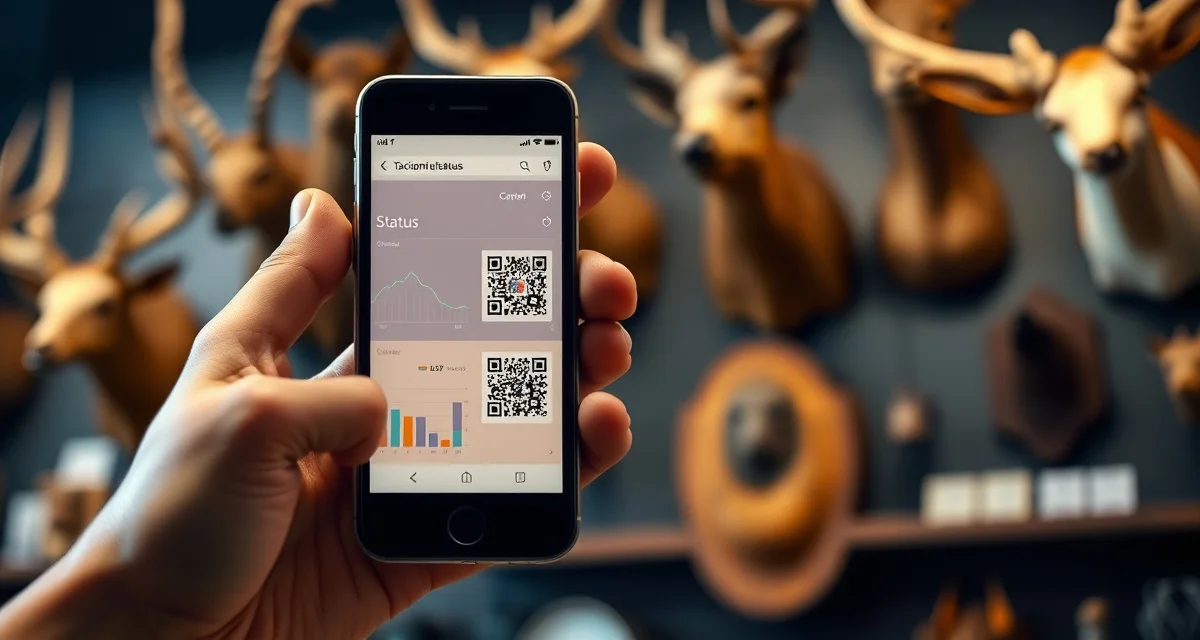
Yes. MountChief's customer portal works via a link or QR code scan. Customers open a browser link and see their mount status immediately. No app download, no account creation, no password required.
App-based portals see 30-60% adoption in most shops. No-app browser-based portals see 85-95% adoption in the same shops with identical customers. The difference is entirely the friction of downloading an app.
Older hunter demographics have three times the resistance to app downloads compared to younger customers. For a taxidermy shop where the average customer is 35-65 years old, requiring an app download is a material barrier to portal adoption. And a portal that customers don't use doesn't reduce your status calls.
TL;DR
- A good taxidermy customer portal works through any web browser with no app download required.
- Customers receive a unique link at intake that they can bookmark and check anytime.
- No app means no friction: customers do not need to create accounts or remember passwords.
- The portal should update automatically when the job moves to a new stage.
- Browser-based portals work on any device: phone, tablet, or desktop.
Why No-App Matters for Taxidermy Portals
The whole point of a customer portal is to give customers a way to check their own status so they don't call you. If 40-70% of your customers won't adopt the portal because of the download requirement, you haven't solved the call volume problem. You've just given a minority of your customers a better experience while the majority still calls.
No-app design is the difference between a portal that works and a portal that exists.
MountChief's customer portal for taxidermy generates a unique URL for each customer at intake. That URL:
- Opens directly in any browser
- Shows the customer's specific mount status, stage, and timeline
- Requires no login, no account, and no download
- Can be bookmarked by the customer for future access
- Can be accessed by clicking a link in their intake confirmation text or email
The customer experience is identical whether they're on an iPhone, Android, or an older device. As long as they can open a browser link, it works.
How Customers Access the Portal
At intake: You send the portal link to their phone number (as an SMS) or their email address. They receive it immediately.
QR code option: Print a QR code on their intake receipt or a business card. They scan it anytime they want to check status.
Re-send at any time: If a customer loses their link, you can resend from the MountChief dashboard in seconds.
What they see: Their species and mount type, the current production stage, tannery status if applicable, estimated completion window, and any notes you've added. When the mount is complete, the portal shows that status and prompts them to schedule pickup.
What You See When Customers Use the Portal
MountChief shows you which customers are actively checking their portal status. This visibility helps you identify customers who might be getting anxious (checking frequently) before they escalate to a call or a negative review.
When you update a job's stage in your management software, the portal updates automatically. You don't need to separately notify customers for routine stage changes, the portal communicates for you.
Frequently Asked Questions
Why is a no-app portal better for taxidermy customers?
App-based portals require customers to find the app, download it, create an account, and learn the interface. For many hunters, particularly those over 50, this is enough friction to abandon the portal entirely and call instead. A no-app portal is a link. Click, and you see your mount status. The adoption gap between app-required and no-app portals is significant: app portals see 30-60% adoption, browser portals see 85-95%. Higher adoption means fewer status calls, which is the entire purpose. A portal that 40% of your customers actually use doesn't solve your call volume problem.
How does a customer access MountChief's tracking portal?
They receive a unique URL via text or email at intake. They click the link in any browser, no download, no login, no password. The page loads immediately and shows their specific mount's status. They can bookmark the page for future access or save the text/email for later reference. If they lose the link, you can resend it in seconds from your MountChief dashboard. Customers who prefer QR codes can scan one printed on their intake receipt. The portal works identically on any device with a browser.
What do customers see when they open their taxidermy tracking link?
They see a page specific to their mount showing the species and mount type, the current production stage (intake, prepped, at tannery, tannery returned, in production, complete), an estimated completion window, tannery status if the hide is currently at a tannery, and any notes you've added for their visibility. When the mount reaches completion, the portal shows that status and can prompt them to schedule pickup. The customer sees only their own mount's information, no other customers' data is visible through their link.
Why do some taxidermy portals require an app download?
App-based portals are typically legacy systems that were built before browser-based platforms became as capable as they are today. The requirement to download an app adds significant friction for customers, many of whom will not do it. Browser-based portals with a simple link at intake have much higher customer adoption rates.
How does a customer access their portal without an app?
With MountChief, customers receive a unique tracking link via text message at intake. They tap the link and see their mount's current status immediately, no download, no account creation, no password. They can bookmark the link and return to check status at any time throughout the process.
What information does a no-app portal show the customer?
At minimum, the portal shows the current production stage, the date the job was received, and an estimated completion window. MountChief's portal shows the full progression through stages, with automatic updates each time the status changes. Customers can also see the mount type, species, and their shop contact information.
Related Articles
- How to Track My Taxidermy Order: A Customer Guide
- What is a Taxidermy Customer Portal and Why Do I Need One?
Try These Free Tools
Put these insights into practice with our free calculators and planners:
Sources
- National Taxidermists Association (NTA)
- Taxidermy Today
Get Started with MountChief
A customer portal that actually gets used is one that requires zero effort to access. MountChief's browser-based portal sends every customer a link at intake with no app required, and it updates automatically as the job progresses. Try MountChief to give every customer instant visibility into their mount's status.