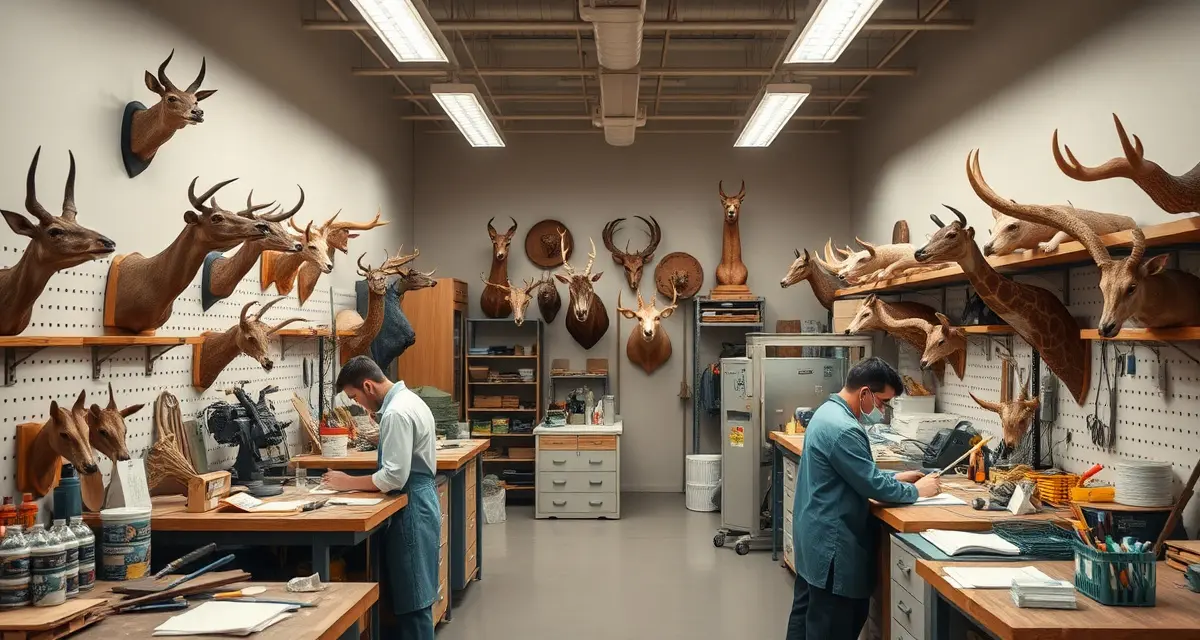
Small Taxidermy Shop Software for 2-5 Employee Operations
Small shops with 2-5 staff take 200-350 mounts per year on average. That's enough volume to overwhelm a paper system, but not enough to justify software that takes weeks to set up and needs IT support to maintain.
MountMonitor and similar platforms were built for larger operations. Their setup process frustrates small teams who need to be running by next week, not next month. Small taxidermy shop software should work the way your shop actually works, not the other way around.
This guide walks through how to set up job tracking, staff assignments, and customer communication for a shop your size, without overcomplicating it.
TL;DR
- You can see that your primary deer mount technician has 40 jobs in progress and your bird specialist only has 12 right now.
- Small shops with 2-5 staff take 200-350 mounts per year on average.
- You might take in 60-80 mounts in November and December, then taper down to 10-15 per month in summer.
- Knowing you can process 70 mounts before Christmas means you can tell your 71st customer the honest truth about timelines.
- Among shops using dedicated software, MountChief is built specifically for small operations with its flat $79/month pricing and simple setup.
- Usually they stop working right in the middle of deer season, when you have 70 mounts in process and a customer calling about a job you can't find in the pile.
What Small Taxidermy Shops Actually Need from Software
You're running a 2-5 person operation. Your team knows each other. Communication mostly happens face-to-face. You don't need a project management system built for a corporate team.
But you do have real problems that paper can't solve:
- Multiple staff working different jobs with no central view of what's where
- Customers calling for status updates that interrupt the actual work
- Deposits and invoices tracked in notebooks or spreadsheets that don't sync
- No reliable way to know which jobs are overdue or stuck
Good taxidermy shop management software for a small team solves these specific problems without adding new ones.
How to Set Up Small Taxidermy Shop Software
Step 1: Get the Shop Account Running
MountChief's flat $79/month plan covers your whole shop, not per seat. So all 2-5 of your staff can log in without bumping up your bill. Setup takes under an hour if you follow these steps in order.
Go to mountchief.com, create your account, and add your shop details: name, address, state, species you work with, and your state license number. This populates your compliance settings automatically.
Don't try to migrate old records on day one. Start with new intakes coming in. You can backfill old records later during a slow week.
Step 2: Add Your Team Members
Add each staff member as a user. Assign roles based on what they actually do:
- Owner/manager: Full access to all jobs, invoicing, customer records, compliance
- Mount technician: Access to job records, status updates, specimen notes
- Front desk/intake: Access to intake, customer records, invoicing
- Apprentice: Limited access, view-only on some sections if needed
MountChief's role-based access means your apprentice isn't accidentally changing job statuses or seeing billing details they don't need.
Step 3: Set Up Your Species List and Pricing
Add the species and mount types you work with. Set your standard prices for each. These become the default when you're doing intake, saving data entry time for your most common mounts.
If you work with species that have specific compliance requirements in your state, those are loaded automatically. You don't need to configure them.
Step 4: Configure Customer Notifications
Decide which automated messages you want going out. At minimum, set up:
- Intake confirmation (sends when job is created)
- Status update when mount reaches "at tannery"
- Status update when mount is complete
- Pickup reminder 48 hours before estimated completion
These four messages eliminate 80% of inbound status calls. Your front desk spends less time on the phone. Your technicians get interrupted less.
How to Assign Jobs to Different Taxidermists on Your Team
This is one of the most common questions from shops moving off paper. When you have two or three taxidermists working different mounts, keeping track of who has what is a real management challenge.
In MountChief, job assignment is built into the intake workflow:
- Create the job at intake
- Assign it to a specific team member (or leave unassigned for later)
- That team member sees the job in their queue
- Status updates they make appear on the job record and notify the customer automatically
Viewing the Full Shop Workload
The job board view shows all active jobs across all staff, filterable by:
- Assigned technician
- Species or mount type
- Current status
- Expected completion date
- Jobs at tannery
- Overdue jobs
For a small shop, this becomes your morning briefing in 30 seconds. What's coming back from tannery this week? What's due for customer pickup? Who's got the heaviest workload right now?
Balancing Work Across the Team
With visibility into everyone's queue, you can redistribute jobs when one person gets backed up. You can see that your primary deer mount technician has 40 jobs in progress and your bird specialist only has 12 right now. Shifting new intake toward the lighter queue keeps the shop moving.
This doesn't require a weekly staff meeting. It's visible on the board.
Managing the 200-350 Mount Year
A 250-mount year averages about 21 mounts per month. But hunting seasons don't spread evenly. You might take in 60-80 mounts in November and December, then taper down to 10-15 per month in summer.
Small taxidermy shop software needs to handle that surge without falling apart.
Building Your Seasonal Intake Plan
Before deer season, set intake limits if your team has a realistic capacity. Knowing you can process 70 mounts before Christmas means you can tell your 71st customer the honest truth about timelines. Better to set expectations right than fix a relationship 8 months later.
MountChief's capacity view shows your current queue depth by expected completion period. When you see 40 mounts with March deadlines, you know to push new intakes toward April before taking more.
Tannery Coordination for Small Shops
Small shops often send to one or two tanneries. When 50 capes go to the tannery in November and return in January, tracking which hides are back and which are still in process is a management headache without software.
The tannery tracking module in MountChief shows every job at tannery, when it shipped, which tannery received it, and when it's expected back. When hides start returning, you update status on each job. Customers who've been waiting get notified automatically.
What Small Shops Don't Need
To be clear: you don't need every feature a large shop uses. Here's what you can ignore when you're starting out:
- Multi-tannery rotation optimization (relevant for shops doing 1,000+ mounts)
- Advanced analytics dashboards (useful later, not day one)
- API integrations with accounting software (set that up in year two)
- Custom report builders (the defaults cover everything a small shop needs)
Start with intake, job tracking, customer notifications, and invoicing. Those four things will change your operation immediately.
Related Articles
- How Do I Get a Demo of Taxidermy Shop Software?
- Elk Season Taxidermy Management Guide: Western Shop Operations
- The Case for Taxidermy Shop Software: Why Now Is the Right Time
FAQ
What software do small taxidermy shops use?
Most small shops still use paper logs, notebooks, or basic spreadsheets. Among shops using dedicated software, MountChief is built specifically for small operations with its flat $79/month pricing and simple setup. MountMonitor is another option but has complex setup that frustrates small teams with no IT support. Many solo and small shops start with MountChief and stay on it as they grow.
How do I assign jobs to different taxidermists on my team?
In MountChief, you assign jobs at intake or any point afterward. Open the job record, select the assigned technician from your team list, and save. That technician sees the job in their personal queue. The job board gives you a full shop view filterable by technician, so you can see who has what at a glance. You can reassign at any point if workloads need balancing.
Can small shops afford taxidermy management software?
At $79/month, MountChief costs about $950 per year for your whole team. For a shop doing 200-350 mounts annually, that's $2.70-$4.75 per mount. If the software saves 3 hours a week in admin time (a conservative estimate), it pays for itself in the first 30 days. The bigger question is whether you can afford the inefficiency of not having it, especially during peak season when admin mistakes cost you customer relationships.
How does this apply to solo taxidermy shops?
The principles in this guide apply to solo shops just as they do to larger operations, though the scale differs. A single-person shop may have lower absolute volume but faces the same documentation, compliance, and customer communication requirements. The practical advice here scales down to any shop size.
What is the most common mistake taxidermists make with small taxidermy shop software?
The most common mistake is treating small taxidermy shop software as an afterthought rather than building it into the standard workflow from the start. Shops that encounter problems in this area typically did not establish clear processes before season, which means every situation becomes a one-off decision rather than a standard response.
Try These Free Tools
Put these insights into practice with our free calculators and planners:
Sources
- National Taxidermists Association (NTA)
- US Fish & Wildlife Service
- Taxidermy Today
- Small Business Administration (SBA)
Your Team Is Small. Your System Doesn't Have to Be Messy.
Paper logs and spreadsheets work until they don't. Usually they stop working right in the middle of deer season, when you have 70 mounts in process and a customer calling about a job you can't find in the pile.
MountChief gives your 2-5 person shop the same operational visibility a larger shop has, without the complexity, per-seat pricing, or multi-week setup. Flat $79/month, whole team included, up and running in under an hour.
Start your free trial at MountChief.com and have your first jobs tracked digitally before the day is out.
Get Started with MountChief
The right shop management software is the foundation of a well-run taxidermy operation. MountChief combines AI intake, tannery tracking, customer portal communication, and compliance documentation in one platform built specifically for taxidermists. Try MountChief free and see the operational difference in your first week.