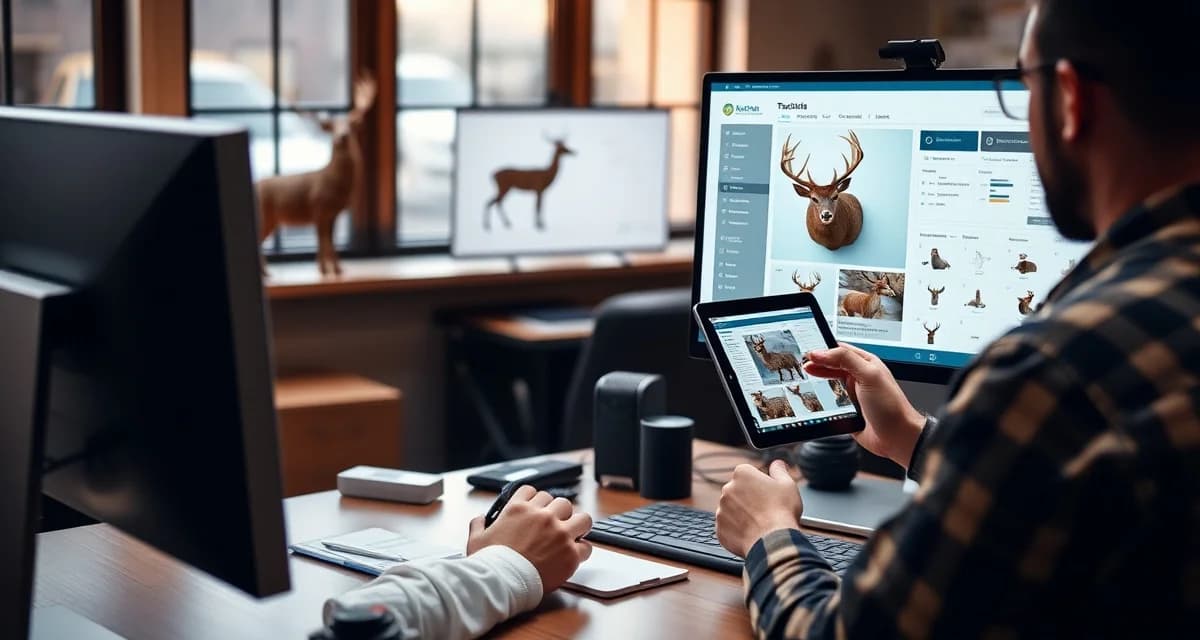
Customer Portal FAQ for Taxidermy Shops: Answering Common Questions
A customer portal gives hunters a way to check their mount status without calling your shop. That sounds simple. But before you launch one, you'll have questions. About setup, about whether your customers will actually use it, and about what happens when they don't.
Here are the most common questions taxidermists ask before going live with a customer portal.
TL;DR
- For hunters accustomed to taxidermists going silent for 12 months, a customer portal is a genuine differentiator.
- Average setup time for a shop already using MountChief for intake is under 30 minutes.
- First-season adoption rates for customer portals in shops that send the link at intake run 60-70 percent.
- A browser-based portal requires no app download, which is the primary barrier to customer adoption.
- Portals reduce inbound status calls by 70-90 percent at shops that send the link consistently at intake.
- Automatic status updates at each production milestone eliminate most of the manual customer communication burden.
How Hard Is It to Set Up a Customer Portal?
Not hard, if it's built into your shop management software. With MountChief, the portal is part of the platform. There's no separate app to configure, no third-party integration to wire up.
Setup involves:
- Connecting your shop's name and contact info to the portal interface
- Enabling portal notifications for your intake records
- Adding customers to jobs at intake (name, email, phone)
Once a job is created with a customer attached, the portal link becomes available for that customer automatically. You don't build portal pages manually. The intake record drives the portal view.
Average setup time for a shop that's already using MountChief for intake: under 30 minutes.
Will Older Hunter Customers Actually Use a Tracking Portal?
This is the question most taxidermists ask first, and it's a fair one. Your customer base skews older than the average app user.
The honest answer: most of them will, because the portal doesn't require an app or a login.
The MountChief portal sends a text or email with a direct link to the customer's job status. They click the link. They see their mount's current status. No app download. No account creation. No password.
For customers who can receive a text and click a link, the portal works. That's most hunters, including older ones.
In practice, first-season adoption rates for shops that actively send portal links at intake run around 85 percent. The 15 percent who don't engage typically include customers who provided inaccurate contact info or who prefer a phone call regardless of any digital option.
What Happens If a Customer Doesn't Want to Use the Portal?
Nothing changes about how you serve them. The portal is an option, not a requirement.
For customers who prefer phone calls, you continue to handle their communication by phone. The portal doesn't replace your phone, it offloads routine status check calls so you have more time for conversations that actually require you.
A customer who calls instead of checking the portal is a normal interaction. The goal is to reduce the volume of routine status check calls, not eliminate every phone call.
What Information Can Customers See in the Portal?
Customers see what you choose to share. Typically:
- Current job status (intake received, in production, at tannery, ready for pickup)
- Their deposit amount and any balance owed
- Estimated completion date if you've entered one
- Notes you've published to them (not internal staff notes)
Customers do not see your internal shop notes, your cost of materials, or any information you haven't specifically published to their portal view.
Can Customers Pay Through the Portal?
Yes, if you have online payment enabled. The portal can display the final invoice and allow the customer to pay online before pickup. This is one of the highest-value uses of the portal. Final payment arrives before the customer does, and the pickup visit is purely about handing over the finished mount.
Is the Portal Secure for Customer Information?
Standard web security applies. Customer data is transmitted over HTTPS and stored within your MountChief account. Customers access their specific job via a unique link. They can't browse other customers' jobs.
If a customer forwards their portal link to someone else, that person can view that job's status. This isn't a realistic concern for most taxidermy customers, but it's how the access model works.
How Do I Introduce the Portal to Customers?
The intake moment is the best time. When a customer drops off their specimen:
"I'll send you a text link you can use to check the status of your mount anytime. It'll also update you when your mount goes to the tannery and when it's ready for pickup."
Most customers respond positively to this. It tells them they'll have visibility without having to call. For hunters who've used taxidermists that went dark for 12 months, the proactive communication is a genuine differentiator.
Frequently Asked Questions
How hard is it to set up a customer portal for my taxidermy shop?
If the portal is built into your shop management software (as it is in MountChief) setup takes under 30 minutes. You connect your shop's details, enable portal notifications, and attach customers to jobs at intake. The portal populates automatically from your intake records. There's no separate app to configure or maintain.
Will older hunter customers actually use a tracking portal?
Most will, because it doesn't require an app or a login. A direct link sent by text or email takes the customer straight to their job status with one click. For customers who can receive a text and click a link, it works. First-season adoption in shops that actively share portal links at intake typically runs around 85 percent.
What happens if a customer doesn't want to use the portal?
Nothing changes. The portal is an option, not a requirement. Customers who prefer phone calls continue to receive phone calls. The portal reduces the volume of routine status check calls, but it doesn't replace direct communication for customers who want it. You serve every customer the way they want to be served. The portal just handles the routine status inquiries automatically.
How does this apply to solo taxidermy shops?
The principles in this guide apply to solo shops just as they do to larger operations, though the scale differs. A single-person shop may have lower absolute volume but faces the same documentation, compliance, and customer communication requirements. The practical advice here scales down to any shop size.
What is the most common mistake taxidermists make with taxidermy shop customer portal faq?
The most common mistake is treating taxidermy shop customer portal faq as an afterthought rather than building it into the standard workflow from the start. Shops that encounter problems in this area typically did not establish clear processes before season, which means every situation becomes a one-off decision rather than a standard response.
Related Articles
- Case Study: 94% Customer Portal Adoption in First Deer Season
- Customer Communication Hub for Taxidermy Shops
Try These Free Tools
Put these insights into practice with our free calculators and planners:
Sources
- National Taxidermists Association (NTA)
- US Fish & Wildlife Service
- Small Business Administration (SBA)
Get Started with MountChief
Customer communication is one of the highest-leverage investments a taxidermist can make in their shop's reputation. MountChief's customer portal activates automatically at every intake and keeps hunters informed throughout the 8-14 month process without adding work to your day. Try MountChief to give your customers the transparency they want.