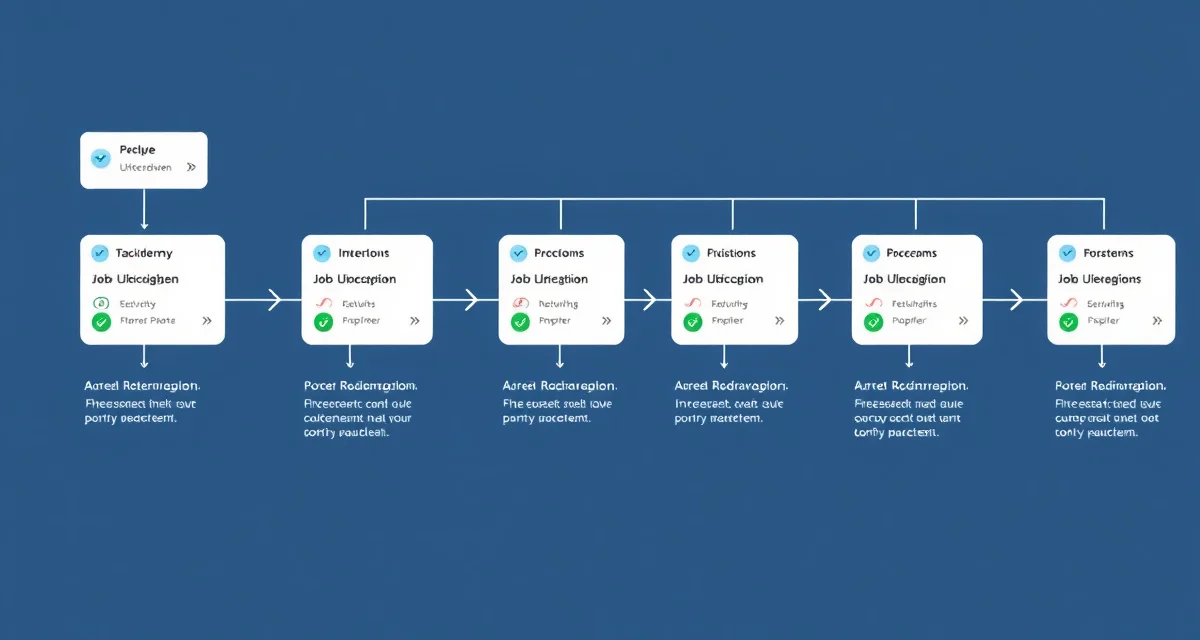
Taxidermy Job Status Workflow: Define Every Stage from Intake to Pickup
Shops with defined stage workflows have 50% fewer production bottleneck incidents. That number makes sense when you think about what a defined workflow actually does: it forces every job through the same checkpoints, so nothing falls through the cracks and no one can claim they didn't know what stage a job was at.
Most taxidermists know what stages a deer goes through from intake to pickup. But knowing isn't the same as documenting. And documenting isn't the same as automating notifications to customers at each milestone. The difference between a shop that runs the phone all day answering status calls and a shop where customers track their own mounts is entirely a workflow documentation problem.
Here's how to build a workflow that works.
TL;DR
- What the customer should receive: Notification that the cape/hide has been shipped to the tannery with an estimated return window (e.g., "4-8 weeks").
- Shops with defined stage workflows have 50% fewer production bottleneck incidents.
- Here's a solid 7-stage framework you can adapt to your shop:
- If you look at your job list in January and see 25 jobs sitting in "In Production" for more than 60 days, that's a bottleneck you can investigate.
- Most shops have 5-8 distinct stages that each represent a meaningful checkpoint in the production process.
- If you're fielding 10-15 status check calls per week during deer season, that's 30-45 minutes of phone time you could be spending mounting.
Why Status Stages Matter
Every time a job moves from one stage to the next, three things can happen:
- Nothing (the default in most shops)
- You make a manual call or send a manual text (costs you 3-5 minutes per job, times 200 jobs per season)
- The software sends an automatic notification (costs you nothing after initial setup)
Automated notifications at each stage eliminate the need for manual customer calls. If you're fielding 10-15 status check calls per week during deer season, that's 30-45 minutes of phone time you could be spending mounting. Multiply that over a 12-week peak season and it's roughly 45-90 hours of lost production time just answering "where's my deer?"
The Standard 7-Stage Taxidermy Workflow
Most whitetail deer shops operate with 5-8 distinct production stages. Here's a solid 7-stage framework you can adapt to your shop:
Stage 1: Intake / Received
The job enters the system. Customer info is captured, the specimen is photographed and inspected, deposit is collected, and a tracking link is sent to the customer. This is the first and most important stage for customer experience.
What the customer should receive at this stage: A confirmation that their specimen is in your shop, with a tracking link they can use to check status at any time.
Stage 2: Queued / Awaiting Processing
The job is in your system and in line. This is where most jobs sit for the longest period. Customers who receive no communication from intake to completion will call. A stage update when their job moves from "received" to "queued" isn't strictly necessary, but it confirms the job is in your system and being tracked.
What the customer should receive: Optional notification confirming intake and estimated production window.
Stage 3: Sent to Tannery
This is a meaningful milestone. The hide has left your shop and is at the tannery. Customers who know this won't call wondering if you've started on their deer yet.
What the customer should receive: Notification that the cape/hide has been shipped to the tannery with an estimated return window (e.g., "4-8 weeks").
Use the taxidermy job tracking system to log the tannery shipment date and expected return date so this notification fires automatically when you update the stage.
Stage 4: Tannery Return / Received Back
The hide is back from the tannery. You can now see the quality of the tan, confirm there's no damage, and queue the mount for production.
What the customer should receive: Notification that the hide is back and the job is entering production. This is a reassuring update that keeps customers engaged without requiring action from them.
Stage 5: In Production
Active mounting work is underway. The form is prepped, the hide is going on, and the job is being built. This is often the longest production stage in terms of actual hands-on work.
What the customer should receive: Optional mid-production notification for long jobs, especially for life-size work or premium commissions where customer anticipation is high.
Stage 6: Finishing and Drying
The mount is fully assembled but needs drying time and final detail work. No customer interaction needed at this stage, but logging it keeps your production records accurate.
What the customer should receive: Nothing required at this stage, though some shops like sending a preview photo. That's a nice touch for premium work.
Stage 7: Complete / Ready for Pickup
The mount is finished, inspected, and waiting for the customer. This is the most important notification you send.
What the customer should receive: A clear notification that their mount is complete and ready for pickup, with your shop hours, address, and any instructions for pickup. Include the balance due if applicable.
Adding Stages for Your Shop's Process
Seven stages won't be right for every shop. You might have more. You might have fewer. The important thing is that every stage reflects a real checkpoint in your production process where you're physically doing something different.
Common additions:
- Pre-tannery skinning/caping (if you're doing this in-house before the cape ships)
- Form order placed (relevant if you're ordering custom forms after intake rather than from stock)
- Customer approval on pose or form (for custom high-ticket work where customer sign-off is required)
- Waiting on payment (if balance isn't collected before the customer is notified)
Shops with well-built stage workflows often also track stages in their customer portal so hunters can see exactly where in the process their mount is without calling.
Customizing Notifications by Stage
Not every stage needs an automated customer notification. Some stages are internal tracking only. Here's a simple framework:
| Stage | Customer Notification? |
|-------|----------------------|
| Intake / Received | Yes, always |
| Queued | Optional |
| Sent to Tannery | Yes, always |
| Tannery Return | Yes, always |
| In Production | Optional (for long jobs) |
| Finishing | No |
| Ready for Pickup | Yes, always |
Three mandatory notifications (intake, tannery ship, ready for pickup) is the minimum. Adding the tannery return notification is worth it because it reassures customers during the longest quiet period in your workflow.
Preventing Bottlenecks with Stage Data
When you define stages and log job transitions, you generate data that shows you where your production flow is getting stuck. If you look at your job list in January and see 25 jobs sitting in "In Production" for more than 60 days, that's a bottleneck you can investigate.
Without stage data, you just know you're busy. With stage data, you know exactly where your jobs are piling up, which lets you identify whether the bottleneck is at your bench, at the tannery, or waiting on a form order.
Frequently Asked Questions
What are the stages of taxidermy production?
A standard deer shoulder mount workflow typically includes 7 stages: intake/received, queued, sent to tannery, tannery return, in production, finishing, and ready for pickup. The exact stages vary by species and mount type. Bird mounts don't have a tannery stage. Fish replicas have a "blank ordered from supplier" stage that mammals don't. Defining your specific stages based on your actual workflow is more valuable than using a generic list.
How do I automate customer notifications at each job stage?
The most efficient approach is using shop management software that triggers customer notifications when you update a job's stage. Rather than calling or manually texting every customer when their hide ships to the tannery, you update the stage in your software and the notification goes out automatically. MountChief handles this through its job tracking and customer portal integration, so each stage transition triggers a configurable customer message without additional effort from you.
How many production stages should a taxidermy shop have?
Most shops have 5-8 distinct stages that each represent a meaningful checkpoint in the production process. Fewer than 5 often means you're collapsing meaningful milestones that customers would care about, especially the tannery shipment and return stages. More than 10 stages can create administrative overhead that outweighs the benefit. Aim for the number of stages that reflects real production transitions in your shop, not more and not fewer.
How does this apply to solo taxidermy shops?
The principles in this guide apply to solo shops just as they do to larger operations, though the scale differs. A single-person shop may have lower absolute volume but faces the same documentation, compliance, and customer communication requirements. The practical advice here scales down to any shop size.
What is the most common mistake taxidermists make with taxidermy job status workflow?
The most common mistake is treating taxidermy job status workflow as an afterthought rather than building it into the standard workflow from the start. Shops that encounter problems in this area typically did not establish clear processes before season, which means every situation becomes a one-off decision rather than a standard response.
Related Articles
Try These Free Tools
Put these insights into practice with our free calculators and planners:
Sources
- National Taxidermists Association (NTA)
- US Fish & Wildlife Service
- Small Business Administration (SBA)
Get Started with MountChief
Compliance mistakes and missed customer updates cost taxidermy shops real money. MountChief centralizes specimen tracking, documentation, and communication so those gaps close.