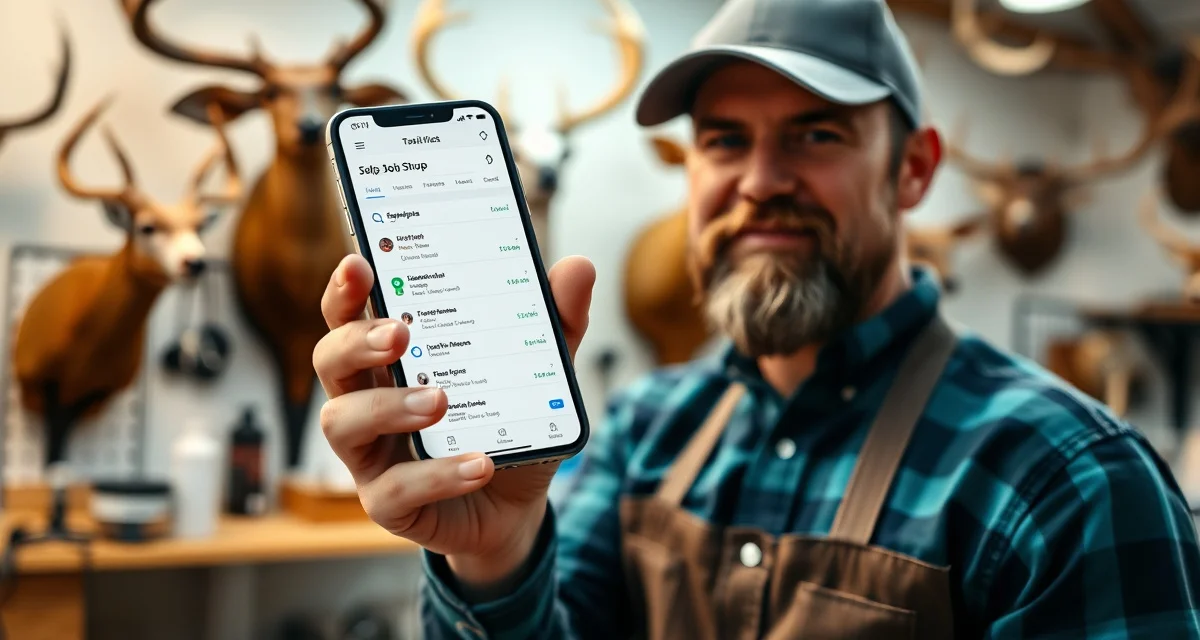
Mobile Taxidermy Job Tracking: Manage Your Shop From Anywhere
60% of taxidermy shop owners check job status outside of normal business hours. Not because they're workaholics, because the job doesn't stay at the shop. Customers text at 7pm asking about their mount. You want to check your tannery return date while you're at a hunting trade show. Your shop helper calls on a Saturday asking which job is next in the queue.
Desktop-only software fails all of those moments. You're sitting in front of a screen that isn't there.
Mobile access means shop owners can respond to issues from hunting camp or trade shows, and it means your entire operation is available in your pocket whenever you need it. Not a watered-down mobile version. The full system.
Trophy Mount System and Final Shot are desktop-only with zero mobile capability. If you're on either of those platforms, every after-hours customer question and every away-from-desk management task costs you either a special trip to your computer or an unanswered customer.
TL;DR
- Should be ready for pickup in about 6 weeks based on current schedule.
- Step 5: Use Mobile Features to Handle After-Hours Customer Communication
- A customer texts at 8pm asking if their deer mount is done yet.
- Job status lookup: "Where is [customer name]'s mount?" is a question you'll get at 6pm on a Thursday.
- 60% of taxidermy shop owners check job status outside of normal business hours.
- To access your shop data, you need to be at that computer.
Step 1: Understand What "Mobile" Actually Means
Responsive Web App vs. Native App vs. Desktop-Only
There are three types of software access you'll encounter:
Desktop-only: Runs on a computer, period. To access your shop data, you need to be at that computer. Any mobile functionality is zero.
Responsive web app: The software runs in any browser, on any device. Open it on your phone, tablet, or laptop and it adjusts to your screen. No app to install. No syncing issues. Same data everywhere.
Native mobile app: A dedicated app you install from the App Store or Google Play. Can be excellent. Can also be limited to a subset of features vs. the desktop version.
MountChief is a fully responsive web app, you access it from any device's browser and get the full feature set. There's no functionality you lose on mobile.
Step 2: Know Which Features You Actually Need on Mobile
The High-Priority Mobile Use Cases
Not every feature needs to be mobile-accessible. These are the ones that matter:
Job status lookup: "Where is [customer name]'s mount?" is a question you'll get at 6pm on a Thursday. If you can look it up from your phone in 10 seconds, you answer it. If you can't, you tell the customer you'll check tomorrow.
Intake creation: Not always practical from mobile (AI photo intake is actually better on mobile, you're already holding the camera), but having it available means intake doesn't require a desk setup.
Customer contact access: Name, phone, email for any job in your system, instantly findable from your phone when you need to call someone back.
Tannery status: "When is [tannery] shipping back?" is a question with a real answer in your system. Mobile access means you can check it without driving to the shop.
Job stage updates: Moving a job from "at tannery" to "production" triggers customer portal updates and automated texts. If you can do that from your phone when hides come back from the tannery, you don't have to wait until you're at your desk.
Step 3: Evaluate Mobile Capability Before You Commit
How to Test Mobile Access During a Trial
When evaluating taxidermy software, do this test: take the trial on your phone, not your desktop. Open every feature you'd use in a typical week. Ask:
- Does the job list display cleanly?
- Can I create a new job from intake?
- Can I update a job's stage?
- Can I look up a customer's contact information?
- Does the portal status update immediately when I change a job stage?
If any of those answers is "no" or "sort of," you've found a limitation that will cost you time in real-world use.
What "Partial Mobile" Looks Like in Practice
MountMonitor has partial mobile access, the customer portal side works reasonably on mobile, but managing jobs from a phone is limited. For shop owners who need mobile job management (not just portal viewing), partial mobile is not the same as mobile.
Where's My Mount's mobile access is limited to portal management. Which is its entire product, so that's expected.
Step 4: Set Up Mobile Access on Your Devices
Getting MountChief on Your Phone
MountChief doesn't require app installation. Go to your shop's MountChief URL in any mobile browser, log in, and you're in. Bookmark it to your home screen for one-tap access.
This is the same login you use on your desktop. Same data. Same features. No syncing, no version mismatches, no "that feature isn't available on the app."
Setting Up for Multiple Team Members
If you have a second person who needs mobile access, they get their own login. They can look up their queue, check customer information, and update job stages from their own device. Your data is secure. They see what they need, not your pricing details or business information they don't need.
Tablet Use in the Shop
A tablet in your production area (or mounted near your prep station) gives you job record access without walking to your office computer. Look up a job's intake photos when you're in the middle of prep work. Check the species notes you logged at intake. Pull up the customer's contact info to call them about a condition issue.
Tablets are particularly useful in the shop environment because they're mobile enough to move around, but have a larger screen than a phone for reading job details.
Step 5: Use Mobile Features to Handle After-Hours Customer Communication
Respond Without Being at Your Desk
A customer texts at 8pm asking if their deer mount is done yet. Without mobile access, you either ignore it until tomorrow or drive to your shop to check. With mobile access, you check the job record from your couch in 30 seconds and reply immediately.
"Checking now: looks like your hide just came back from the tannery last week. Should be ready for pickup in about 6 weeks based on current schedule. I'll text you when it's done."
That response takes you 45 seconds. The customer feels taken care of. The alternative ("I'll check and get back to you tomorrow") is noticeably worse.
After-Hours Tannery Returns
Sometimes tannery hides come back to your shop on a weekend or at the end of the day. Being able to log the return from your phone (and trigger the automated customer notifications that go with the stage change) means the system stays current without a delay.
Feature Comparison: Mobile Access by Platform
| Platform | Mobile Access | Job Management | Intake | Stage Updates | Portal Updates |
|---|---|---|---|---|---|
| MountChief | Full | Yes | Yes | Yes | Yes |
| MountMonitor | Partial | Limited | Limited | Limited | Yes |
| Where's My Mount | Portal only | No | No | No | Yes |
| Trophy Mount System | None | No | No | No | No |
| Final Shot | None | No | No | No | No |
Related Articles
- Deer Taxidermy Job Tracking: Manage Whitetail Season Volume
- Elk Taxidermy Job Tracking: Manage High-Value Trophy Mounts
- Bird Taxidermy Specialist: How Compliance Tracking Saved a Shop
FAQ
Can I manage my taxidermy shop from my phone?
With MountChief, yes, fully. You can access your complete job list, create new intakes, update job stages, look up customer information, check tannery status, and update the customer portal from any mobile browser. No app installation required and no functionality is limited on mobile. With desktop-only platforms like Trophy Mount System or Final Shot, phone management isn't possible.
Does taxidermy software work on tablets?
MountChief works on any device with a browser, tablet, phone, laptop, or desktop. A tablet in your production area or at your intake counter is a practical setup that many shop owners use. The screen size is easier to work with than a phone for tasks like reviewing job records or looking up customer contact information. Any modern tablet running iOS or Android with a current browser version works.
What features matter most in mobile taxidermy management?
In order of practical importance: job status lookup (answer customer questions from anywhere), job stage updates (trigger automated customer notifications when stages change), customer contact access (call or text customers without going to a desktop), tannery status and shipment logging (check expected return dates from anywhere), and intake creation for situations where mobile intake makes sense (like taking in a specimen at an event or field pickup). MountChief's taxidermy job tracking system covers all of these from mobile.
How does this apply to solo taxidermy shops?
The principles in this guide apply to solo shops just as they do to larger operations, though the scale differs. A single-person shop may have lower absolute volume but faces the same documentation, compliance, and customer communication requirements. The practical advice here scales down to any shop size.
What is the most common mistake taxidermists make with taxidermy job tracking mobile?
The most common mistake is treating taxidermy job tracking mobile as an afterthought rather than building it into the standard workflow from the start. Shops that encounter problems in this area typically did not establish clear processes before season, which means every situation becomes a one-off decision rather than a standard response.
Try These Free Tools
Put these insights into practice with our free calculators and planners:
Sources
- National Taxidermists Association (NTA)
- US Fish & Wildlife Service
- Small Business Administration (SBA)
Your Shop Doesn't Stop When You Leave the Building
Customers don't stop having questions at 5pm. Tanneries don't schedule returns around your office hours. Your production assistant doesn't always have a computer nearby.
Mobile access isn't a luxury feature, it's the difference between managing your shop and being managed by it. Try MountChief from your phone today and see what it feels like to have your entire operation in your pocket.
Get Started with MountChief
Keeping compliance records accurate, customers informed, and specimens on schedule takes more than a whiteboard. MountChief gives taxidermists the tools to manage it all digitally.